


Now that you have collected a few tests, you can use one of the most powerful features of Yesbot, to help you speed up your development : mock servers.
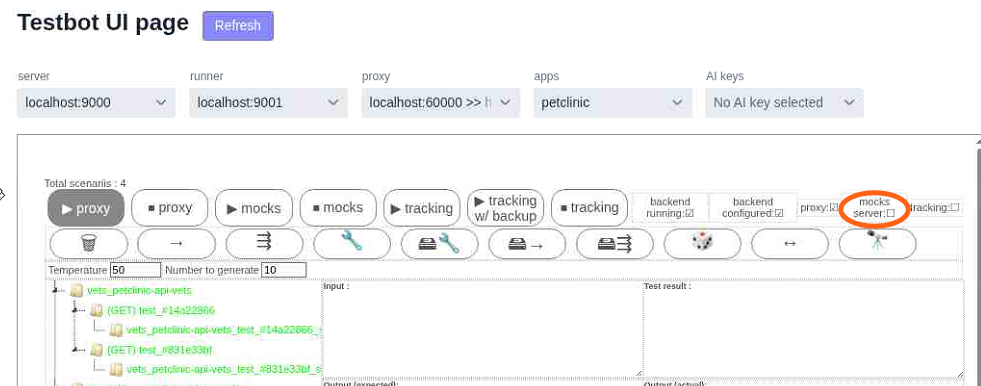
First go to your main testbot view page : if your backend is up and running you’ll see something like this
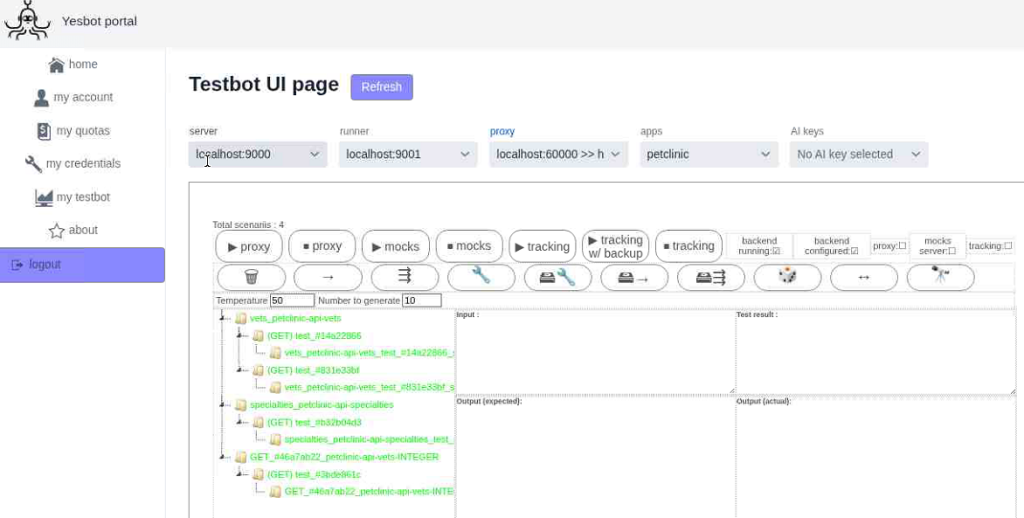
And something like this if it’s not :
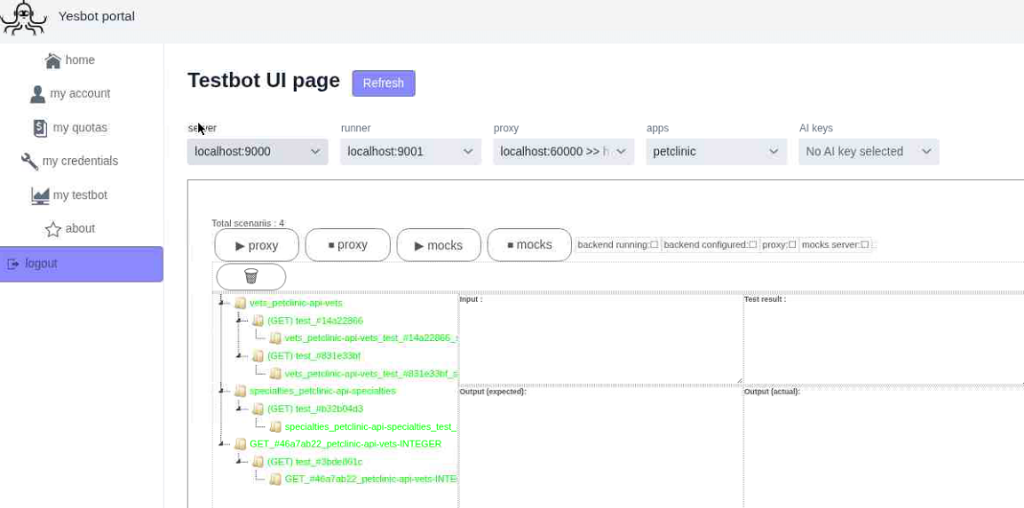
Don’t worry ! You can use mock servers in either case.
First, start your proxy server :
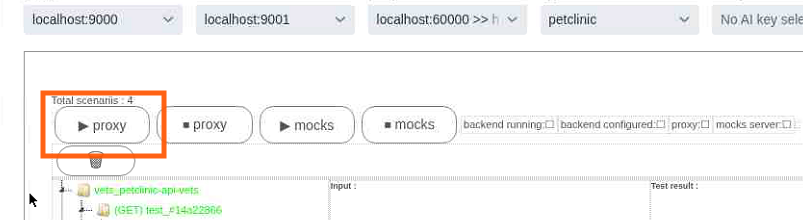
You should see the proxy indicator set to on :

Once the proxy is started, simply activate its mock server function :

In the same way, you should see its corresponding indicator set to on :

Then check on your frontend UI, previously configured to use the proxy :
You should see the data coming from the mock server, which is using the test data to simulate your backend behavior :
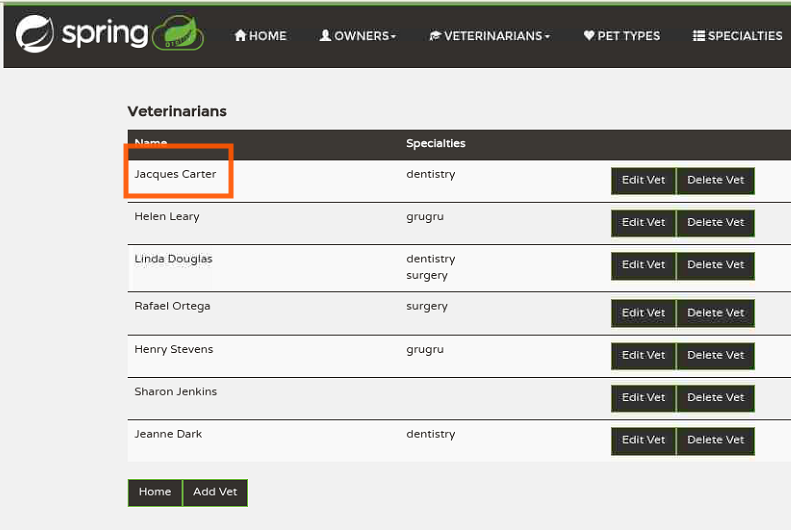
You can compare the values with the ones your frontend is using when your backend is up and the mock server is down :
This gives this result in your frontend UI :
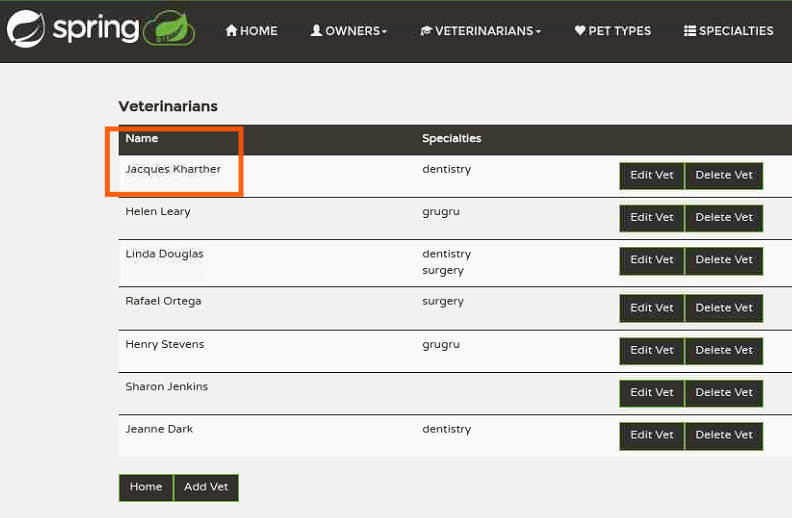
You should see the values that your real backend is returning.
That’s it ! Now you can decorelate your frontend’s and your backend’s development cycles, by using data deducted from tests by the testbot engine !
I hope you find it useful !